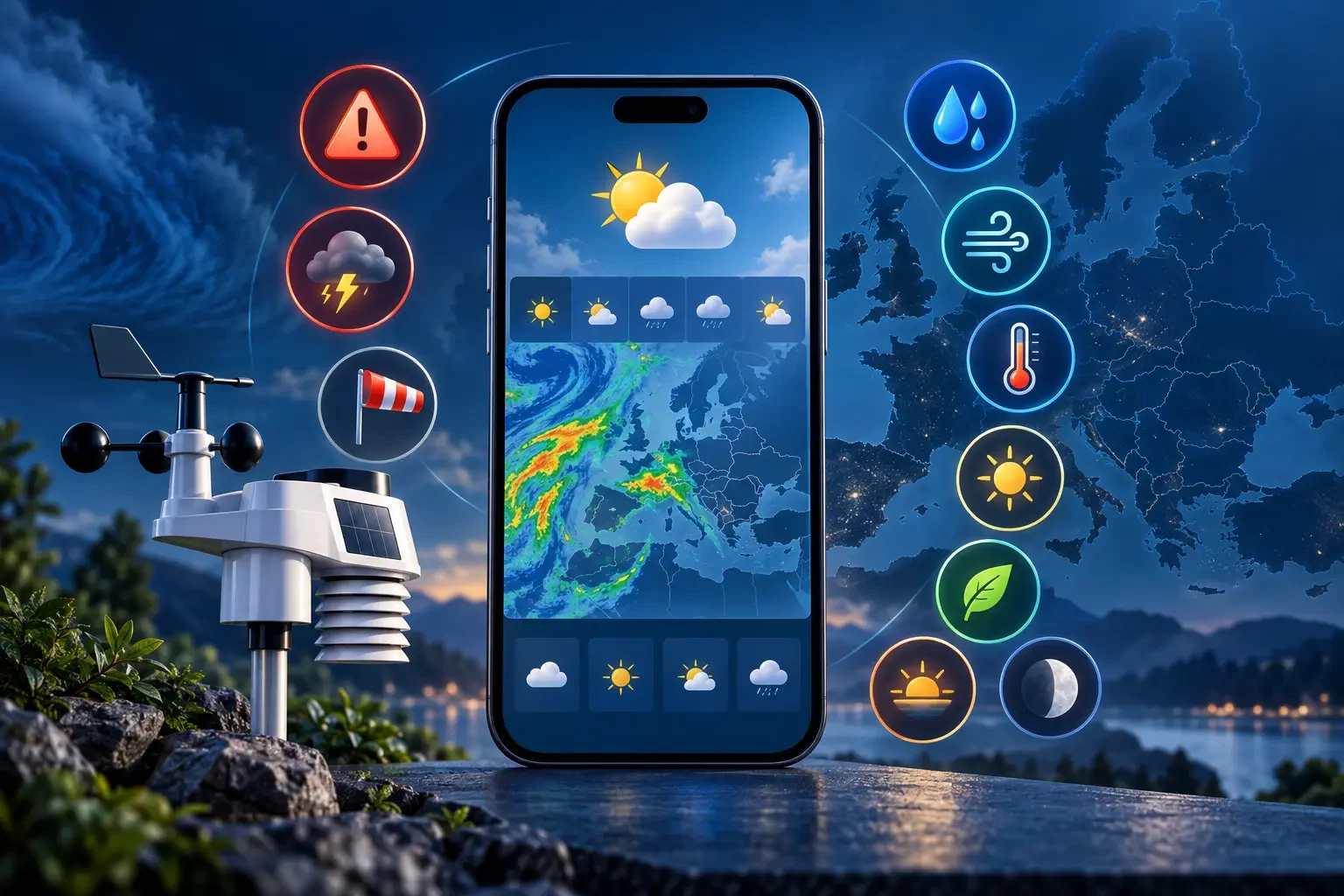
WeatherAlerts is a free weather platform that brings together information normally spread across several websites: official weather warnings, current conditions, a seven-day forecast, rain radar and personal weather-station data. You can check your current area or search for a city before travelling, working outdoors or changing your plans.
People use the phrase weather alerts when looking for weather warnings, severe-weather alerts or notices about rain, wind, snow and extreme temperatures. WeatherAlerts presents those warnings with the context needed to understand them rather than as isolated messages.
Current weather for your location or any city
Open the WeatherAlerts app and either use the device location or enter a city name. The header identifies the place and region, while the dashboard displays:
- temperature and feels-like temperature;
- wind direction and speed;
- relative humidity and dew point;
- accumulated precipitation;
- air quality index or AQI;
- ultraviolet or UV index.
These measurements are more useful when read together. High temperatures can feel very different depending on humidity and wind; a high dew point means more water vapour in the air; and UV exposure may remain relevant even under cloud.
Seven-day weather forecast
A seven-day forecast appears below the current conditions. Each day provides the general weather, maximum and minimum temperature, expected rainfall, wind speed and snow accumulation where applicable.
This is an efficient way to compare days, but it is not an exact promise. Forecasts change as new observations arrive and a daily summary can hide variations within the day. Recheck the forecast and active warnings before making weather-sensitive decisions.
Official weather alerts for all 27 EU countries
WeatherAlerts integrates official warnings distributed through MeteoAlarm for all 27 European Union countries. It organises them by country, region, hazard, danger level and validity period, making it easier to find warnings that may affect you.
The platform processes alerts so users can receive them in their local language. Translation makes the warning easier to understand while preserving the identified official source, severity, dates and essential event information.
Depending on each national weather service, warnings may cover thunderstorms, heavy rain, floods, wind, coastal hazards, snow, ice, heat, cold, fog, wildfire risk or other phenomena. A warning describes a risk within an area; it does not mean every point will experience the same conditions.
Saved regions and personal alerts
Google sign-in links preferences to an account. In the personal area, you can select regions of interest and manage weather-alert delivery. This can cover your home, a workplace, a relative’s region or a future destination.
Account alerts do not replace emergency instructions. During an immediate threat, always follow civil-protection advice and directions from local authorities.
Animated rain radar and interactive map
The rain radar displays the recent position and movement of precipitation as an animated sequence. Zoom, pan and compare frames to see whether an area of rain is approaching or moving away from the selected location.
Radar is excellent for understanding immediate development, but it is not a forecast. Terrain, distance from radar sites and image processing can create gaps or echoes that never reach the ground. Read it alongside the forecast and official warnings.
Sunrise, sunset, local time and Moon phase
WeatherAlerts includes a solar panel with the city’s local time, sunrise, sunset and an indication of progress through daylight hours. It also shows the Moon phase, illuminated percentage, and moonrise and moonset times when available.
These details are useful for hiking, photography, fishing, navigation, outdoor work and any activity that depends on natural light.
Install WeatherAlerts as a PWA
WeatherAlerts is a progressive web app or PWA. A compatible browser lets you install it on the home screen and open it like an app without downloading it from an app store. You can also use it directly in the browser without installing anything.
The interface can retain basic resources for a quick launch, but observations, forecasts, alerts and radar require a connection to update.
My Weather Station and Weather Underground
If you own a compatible personal weather station that publishes to Weather Underground, you can link it to your account. My Weather Station then displays the latest observations and historical charts reported by that equipment.
Depending on the available sensors and fields, the page may show temperature, humidity, dew point, pressure, wind, precipitation and solar radiation, along with highs, lows, totals or averages. A blank value does not mean zero: the station may not have sent the measurement or Weather Underground may not have returned it for the selected period.
How to use WeatherAlerts
- Open the app and search for a city or allow location access.
- Read temperature, wind, humidity, rainfall, AQI and UV together.
- Compare the forecast for the next seven days.
- Check the radar when rain could affect your plans.
- Review official weather warnings and their validity periods.
- Sign in to save regions or connect a personal station.
Frequently asked questions about Weather Alerts
Do I have to install the app?
No. WeatherAlerts works in a browser; PWA installation simply provides faster access and an app-like experience.
Are the weather warnings official?
The platform collects warnings published by official national weather services and distributed through MeteoAlarm. WeatherAlerts organises and translates them for easier access.
Does rain radar show exactly where it will rain?
Radar represents recently observed or processed precipitation. It helps track movement, but it cannot guarantee rain at one exact point or determine risk on its own.
Why is a measurement from my station missing?
The sensor may not exist, the station may not have sent the value, or Weather Underground may not have returned it. Missing information should not automatically be read or displayed as zero.
Useful weather information, with clear limits
Any weather feed can be delayed, interrupted or revised. WeatherAlerts helps gather, translate and explain information, but it does not replace emergency services or official decisions. In immediate danger, call the relevant emergency number and follow official instructions.
Used responsibly, WeatherAlerts turns scattered observations, forecasts and warnings into a much more complete everyday weather view.